The short version
- AI analysis is a measuring tool: speed, spin, placement, errors and movement for every shot.
- A coach does what software cannot: decide what matters, explain it and adjust in the moment.
- AI covers the many hours you play when no coach is watching.
- Bring your numbers and clips to a lesson. It makes the hour go further.
- If you have no coach, use AI to measure and fix one thing at a time.
Lessons are expensive, and an hour a week leaves a lot of tennis that nobody qualified ever sees. So when an app describes itself as an AI tennis coach, the obvious question is whether it can do the coach’s job for a fraction of the price.
The short answer is that it does a different job. Understanding which job is which will save you money and get more out of both.
What an AI tennis coach actually does
The phrase is slightly misleading. What AI does well is analysis: it watches video and measures what happened. It is closer to a very patient assistant with a stopwatch, a radar gun and a clipboard than to a person standing at the net giving advice.
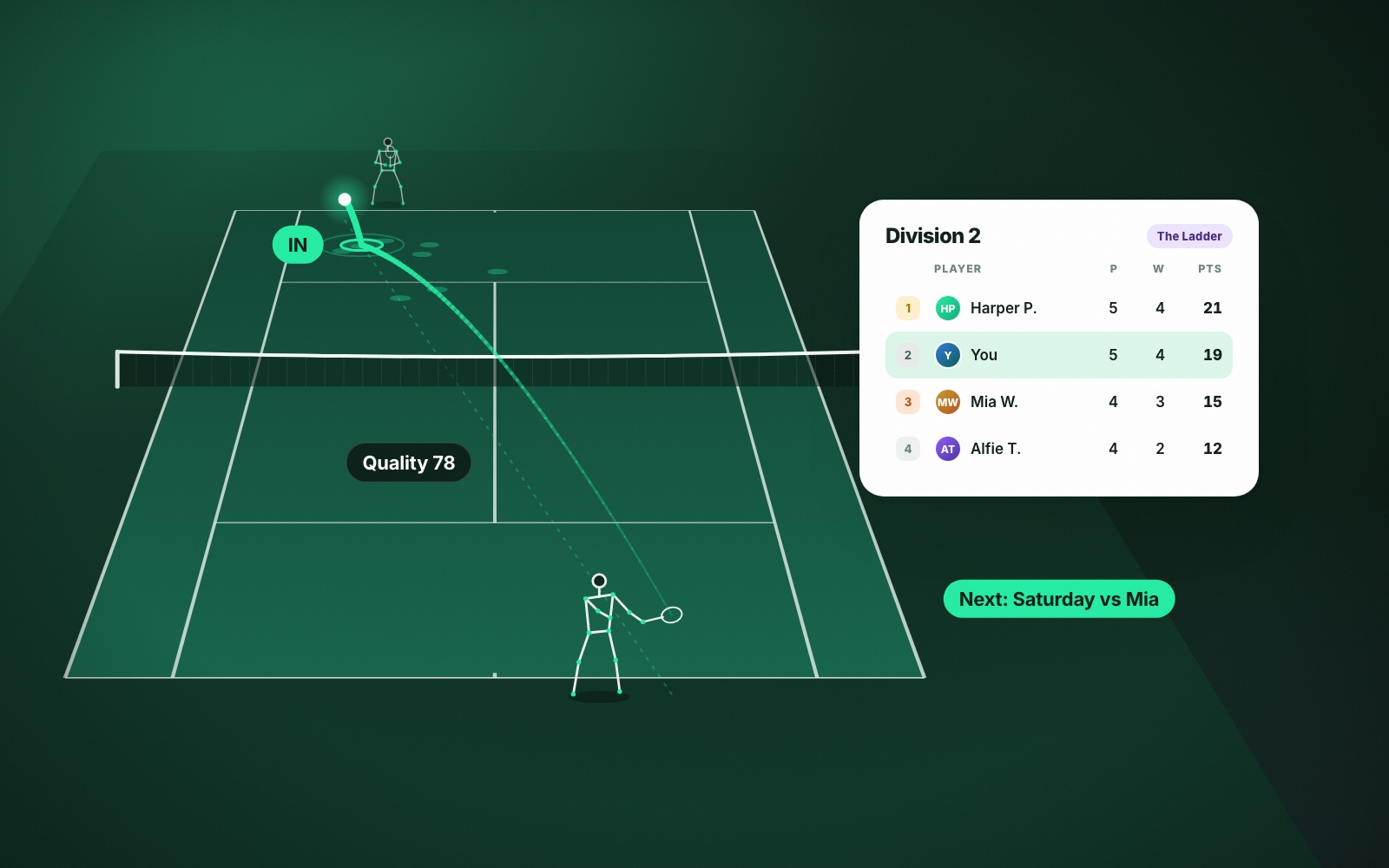
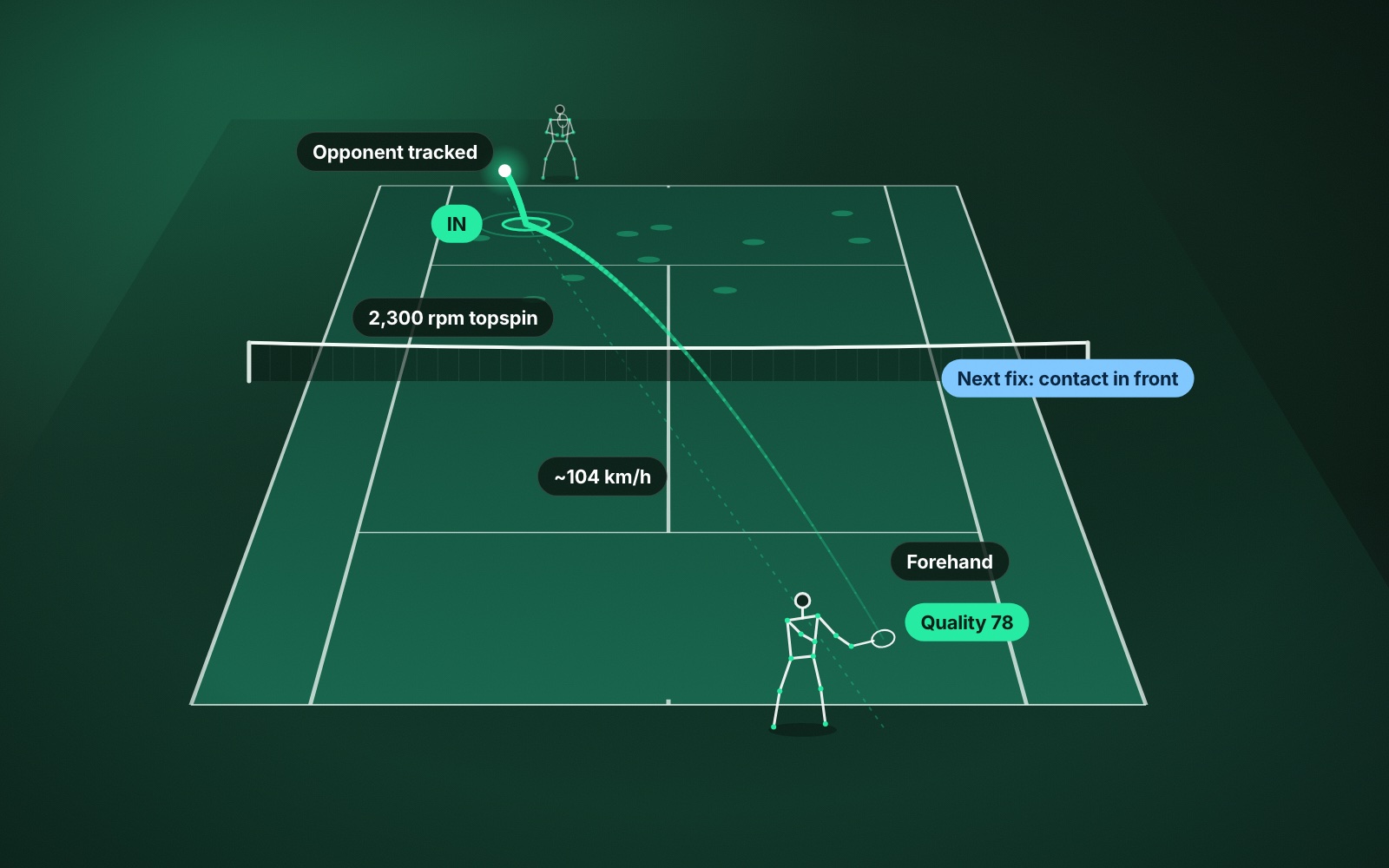
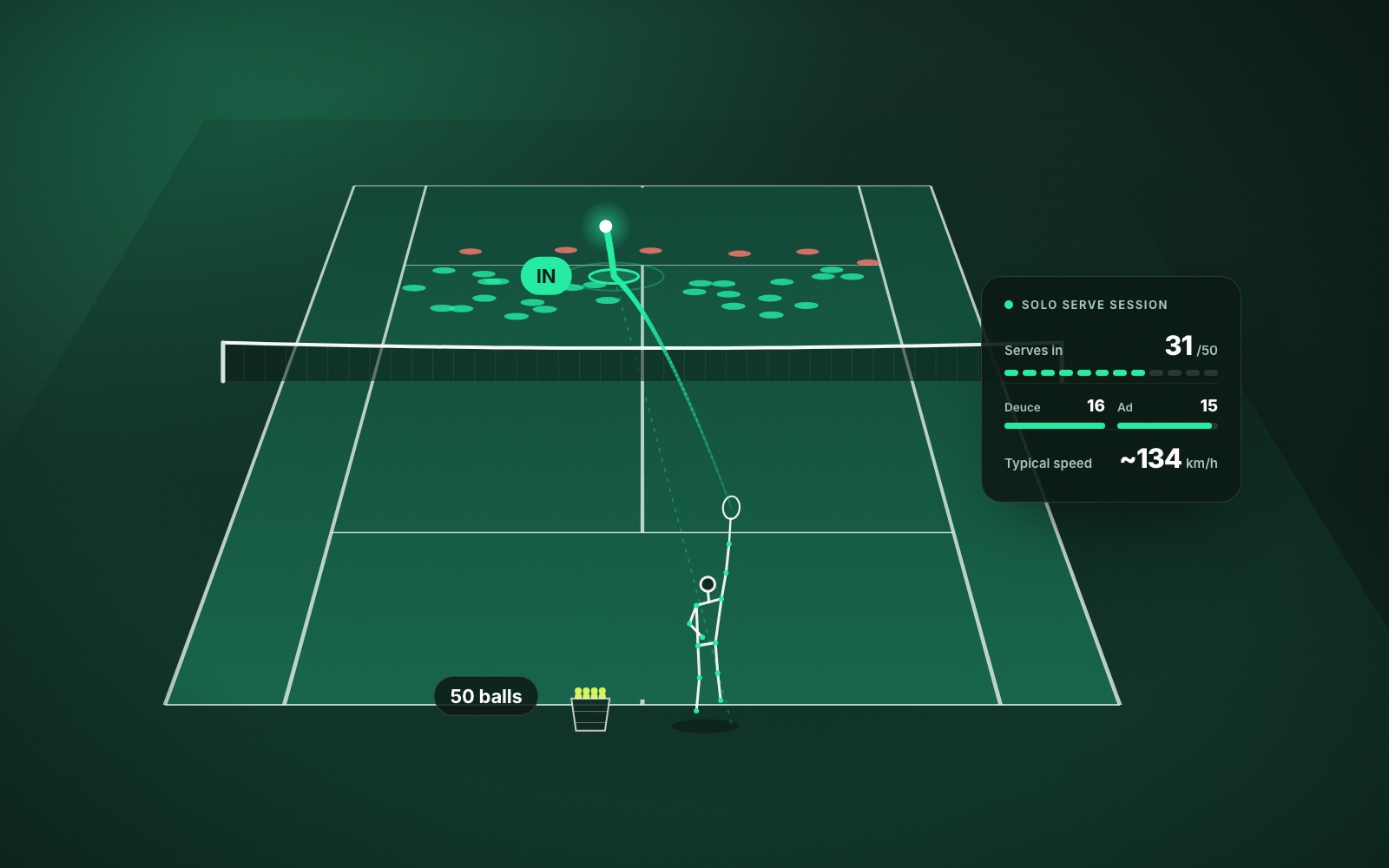
In ContactFrame, that means filming a session with one phone on a tripod behind the baseline. The app measures ball speed, spin, where each shot bounced and whether it was in, out or close. It groups shots into rallies and points, breaks the session down by shot type, and reports on serves, errors, winners and movement. Each shot and each session gets a shot quality score out of 100. The full list is in what AI tennis video analysis measures.
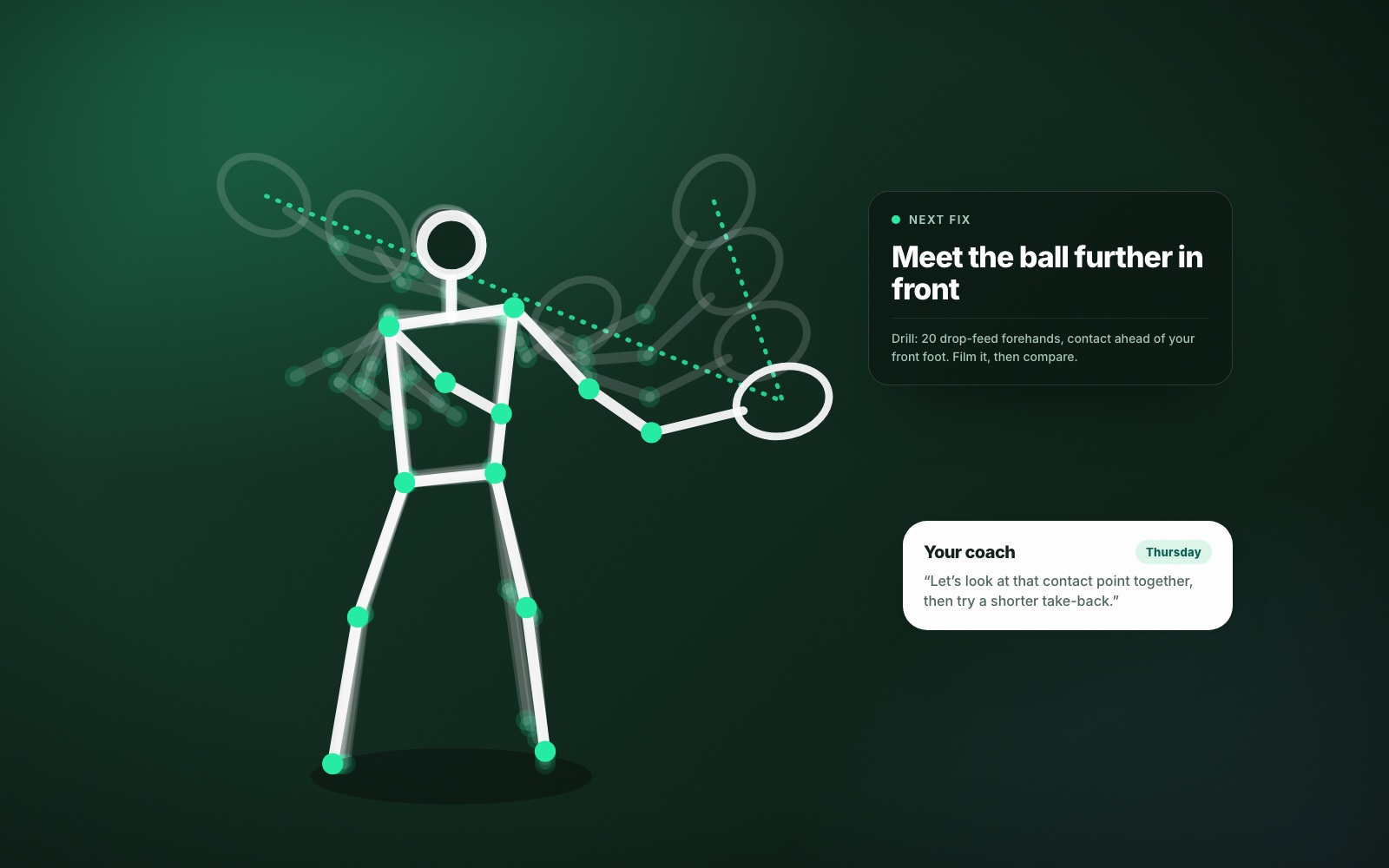
On the Pro plan, shot mechanics go a step further for the player nearest the camera: body points tracked through the swing, swing scores for things like preparation, contact, footwork and kinetic chain, a stick-figure replay of each contact, and one Next fix to work on with a drill for it.
All of this happens after the session. ContactFrame does not give live coaching during play.
What AI tennis analysis does well
- It counts everything. A coach watching a rally sees the shape of it. The app records every shot, including the dull ones in the middle that decide most points.
- It measures what the eye cannot. Nobody can reliably tell 110 km/h from 120 km/h by watching, or see a few hundred rpm of difference in spin.
- It remembers. Trends show the same measures session after session, so you can see whether a change stuck weeks later.
- It is there when nobody else is. Most of your tennis happens in matches and practice with friends. That is exactly the tennis a coach never sees.
- It has no opinion. The numbers do not care how the shot felt or how confident you sound.
- It says when it does not know. ContactFrame leaves an uncertain speed blank or marks it approximate, and shows spin only when the reading is solid.
What a human tennis coach does better
A good coach is doing several things at once that no app does.
- Choosing what matters. A player might have five visible faults. A coach knows which one is causing the others and which can be left alone.
- Seeing detail the app does not measure. ContactFrame does not analyse the ball toss, grip or racket-face angle. A coach can see all three from the next court.
- Explaining in your language. The same correction lands differently with different people. A coach tries a cue, watches the next ball and tries another.
- Feeding the right ball. Changing a stroke needs the right difficulty at the right time, which a coach adjusts feed by feed.
- Feedback while it is happening. A word between shots, at the moment you can feel what you just did, is the fastest way to learn a movement.
- Tactics, nerves and judgement. Why you chose that shot at 30-40, how you handle a pusher, when to change a losing plan.
- Looking after you. A coach notices when a movement looks likely to cause trouble and manages how much you do.
The app can tell you that your backhand lands short. A coach can tell you why, and what to feel when it does not.
AI tennis coach vs human coach, side by side
Put simply:
- What happened? AI is better. It measures every shot and keeps the record.
- Why did it happen? Mostly the coach, sometimes helped by mechanics scores and slow-motion replay.
- What should I change first? The coach. The app’s Next fix gives a sensible single starting point if you do not have one.
- How do I learn the new movement? The coach.
- Did the change work? AI. This is where it is strongest.
So this is less a contest than a division of labour. One measures, the other teaches.
How to use AI analysis with a tennis coach
The most effective pattern is a loop between lessons.
- Before a lesson, record a match or practice session. Pick two or three clips and the numbers that go with them. Say your backhand lands in 60% of the time and most misses are in the net.
- In the lesson, show the coach. They are now working from your real play under pressure, which they rarely get to see.
- Between lessons, practise what the coach set and record it. Use playback and slow motion to check you are doing what was asked.
- At the next lesson, bring the trend. Either the number has moved or it has not, and both are useful to a coach.
If you do not have a coach
Plenty of adult players do not, because of cost, time or simply not having found the right person. AI analysis is a reasonable guide for self-practice if you keep it simple.
Work on outcomes first: how many shots land in, how deep they land, how many first serves go in. These respond well to ordinary practice, and the numbers will tell you if it is working. There are ideas in how to practise tennis alone, and the broader approach is in how ContactFrame helps you improve at tennis.
Be more cautious with technique. Change one thing at a time, give it several weeks, and do not rebuild a stroke from a number alone. If something hurts, or the same shot keeps breaking down and you cannot see why, book even a single lesson and take the clips along.
Which do you need?
If you are new to tennis, a few lessons to learn sound basics are the best money you will spend. Analysis becomes more useful once you are rallying and playing points.
If you already have a coach, analysis makes each lesson go further and shows what happens in the six days between them.
If you play regularly with no coaching, analysis gives your practice a direction, and an occasional lesson gives it a second opinion. ContactFrame’s plans, including the free one and the Pro plan with shot mechanics, are set out on the pricing section of The Lab page.
Common questions
Can an AI tennis coach replace a human coach?
No. AI analysis measures what the ball and your body did, which is very useful, but it does not watch you with a coach’s eye, choose what to prioritise or teach you a new movement. It works best alongside coaching, or as a guide for self-practice.
What can AI tennis analysis do that a coach cannot?
It can measure every shot of every session: speed, spin, where the ball landed and whether it was in. It can also keep those numbers session after session, which no coach can do for the hours they are not on court with you.
Is an AI tennis coach worth it for beginners?
It can help, mainly by showing how many shots land in and where. Beginners gain most from a few lessons to learn sound basics first, then from using analysis to check that practice is working.
Does ContactFrame give live coaching during play?
No. ContactFrame analyses a recorded session and you review it afterwards. It does not give instructions while you are hitting.
How do I use AI analysis with my tennis coach?
Record a match or practice between lessons, then show your coach two or three clips and the numbers that go with them. It gives them evidence from your real play and lets the lesson start on the right problem.
Measure the hours nobody is watching.
ContactFrame analyses your sessions from one phone, so you and your coach can work from evidence.
Explore the Lab