The short version
- Decide on one question before you press play. Footage answers questions; it does not volunteer them.
- Start with how points ended, not how your strokes look.
- Watch your feet and position between shots. The cause of an error is usually one shot earlier than the error.
- Count things. Your memory of a match is built from its most dramatic points.
- Finish with one change to practise, then film again to see whether it stuck.
You filmed the match, you sat down to watch it, and twenty minutes later you had learnt that you look slower than you feel and that your backhand is not as tidy as you hoped. Most players who try to analyse tennis match video stop here. The footage is honest, but it does not tell you what to do next.
The problem is rarely the footage. It is watching without a plan. This guide gives you an order to watch in, what to note down, and a way to finish with one thing to practise.
Why watching yourself back feels unhelpful at first
Two things get in the way. The first is that you watch the ball, as you would on television, and the ball tells you very little about yourself. The second is that you judge how things look. A stroke that looks awkward can be perfectly effective, and a stroke that looks smooth can land short all afternoon.
Your memory of the match is not reliable either. You remember the double fault at break point and the forehand winner down the line. You do not remember the eleven cross-court backhands that landed in the service box and handed over the rally.
So the aim of video analysis is to replace impressions with counts.
Before you analyse tennis match video, pick one question
Go in with a single question. Good ones are specific and can be answered by counting:
- Where did my unforced errors come from?
- How many first serves went in, and where did they land?
- What happened on points that lasted more than four shots?
- Where was I standing when my opponent hit winners?
“How did I play?” is too wide. You will end up with a mood, not an answer.
What to look for when you watch yourself play tennis
Work through these in order. Each one is a separate pass, and you may only need the first two.
1. How points ended
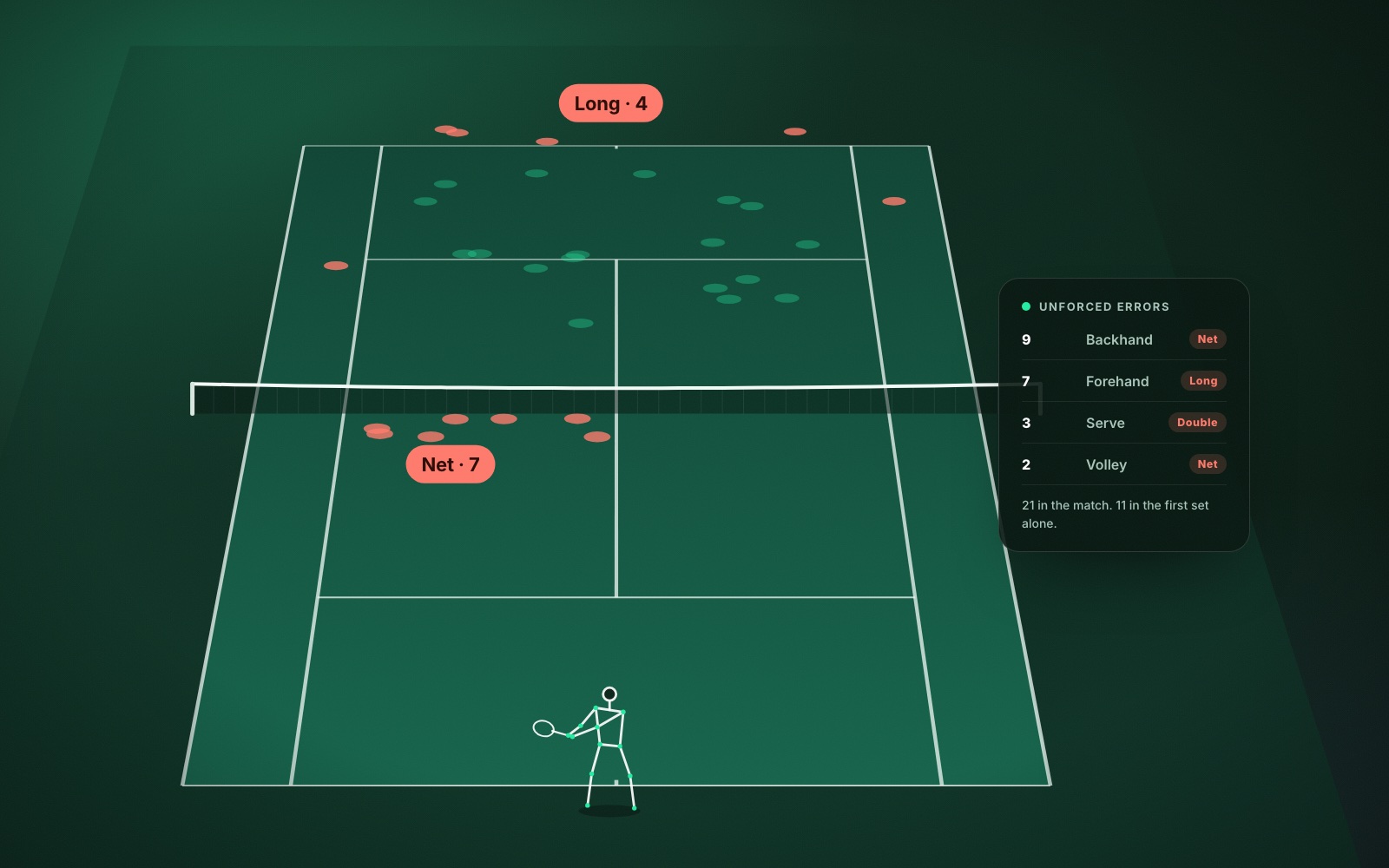
For every point, note who made the last shot and what it was: winner, forced error or unforced error. Then note the stroke and where the ball went, in the net, long or wide.
At club level, most points end in an error, and the pattern is usually narrow. It might be backhands into the net when you are pulled wide, or forehands long when you try to finish the point from behind the baseline. Finding that pattern is the most valuable ten minutes you will spend. There is more on reading it in how to cut unforced errors.
2. Serve and return
Every point starts here, so small numbers add up. Count first serves in, second serves in and double faults. Look at where your serves landed. Many club players discover they serve to the same spot on both sides without meaning to.
On the return, look at depth. A return that lands short in the middle gives the server an easy second shot, and it rarely feels like a mistake at the time.
3. Where you stood between shots
Now stop watching the ball. Watch yourself after you hit. Do you recover towards the middle, or stand and admire the shot? Are you set when your opponent makes contact, or still moving?
The cause of an error is often one shot earlier than the error itself. A late, rushed forehand usually started with a slow recovery from the shot before.
4. Patterns of play
Look at the points you won. Was there a pattern that worked, such as a serve out wide followed by a shot into the open court? Look at how your opponent won theirs. If they kept finding your backhand and coming forward, that is worth knowing before the rematch. The piece on singles strategy for club players covers the common patterns.
5. Technique, last
Only now look at how the strokes look, and only at the stroke your counts have pointed to. Use slow motion. Compare a few that went in with a few that missed, and look for what was different: preparation, balance at contact, where your feet were.
How to analyse a tennis match faster with an app
Doing all of this by hand works, but it is slow. Tallying a full match on paper takes about as long as playing it, and judging depth or pace by eye is rough at best.
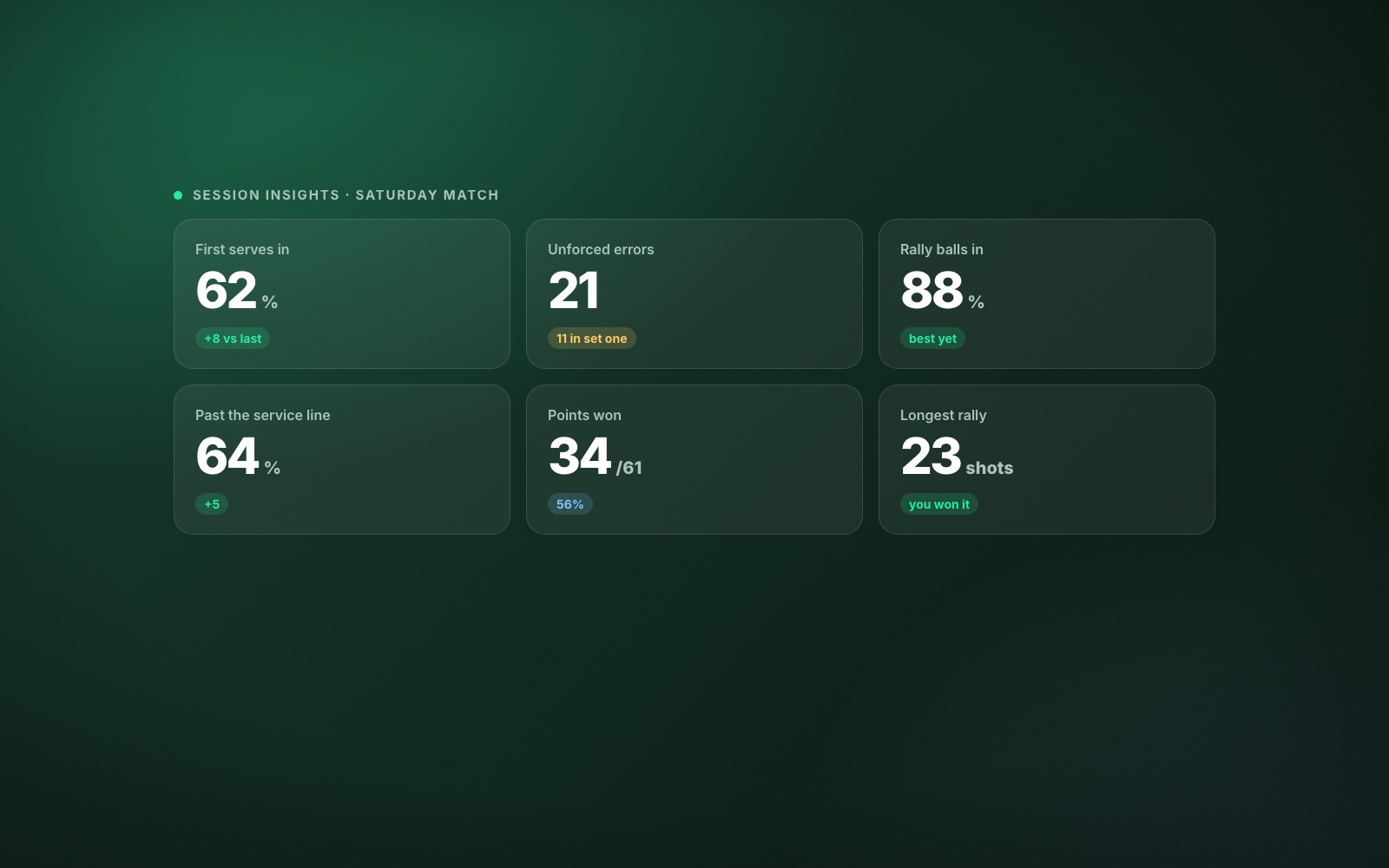
This is the job AI analysis is suited to. Record a Match session in The Lab and ContactFrame does the counting for you. Session insights show winners, forced errors and unforced errors, a shot placement map, speed and spin by shot type, first and second serves and where they landed, the longest rallies and points won. Movement figures show how far you moved, where you stood, how well you recovered to the middle and how often you were ready when your opponent hit.
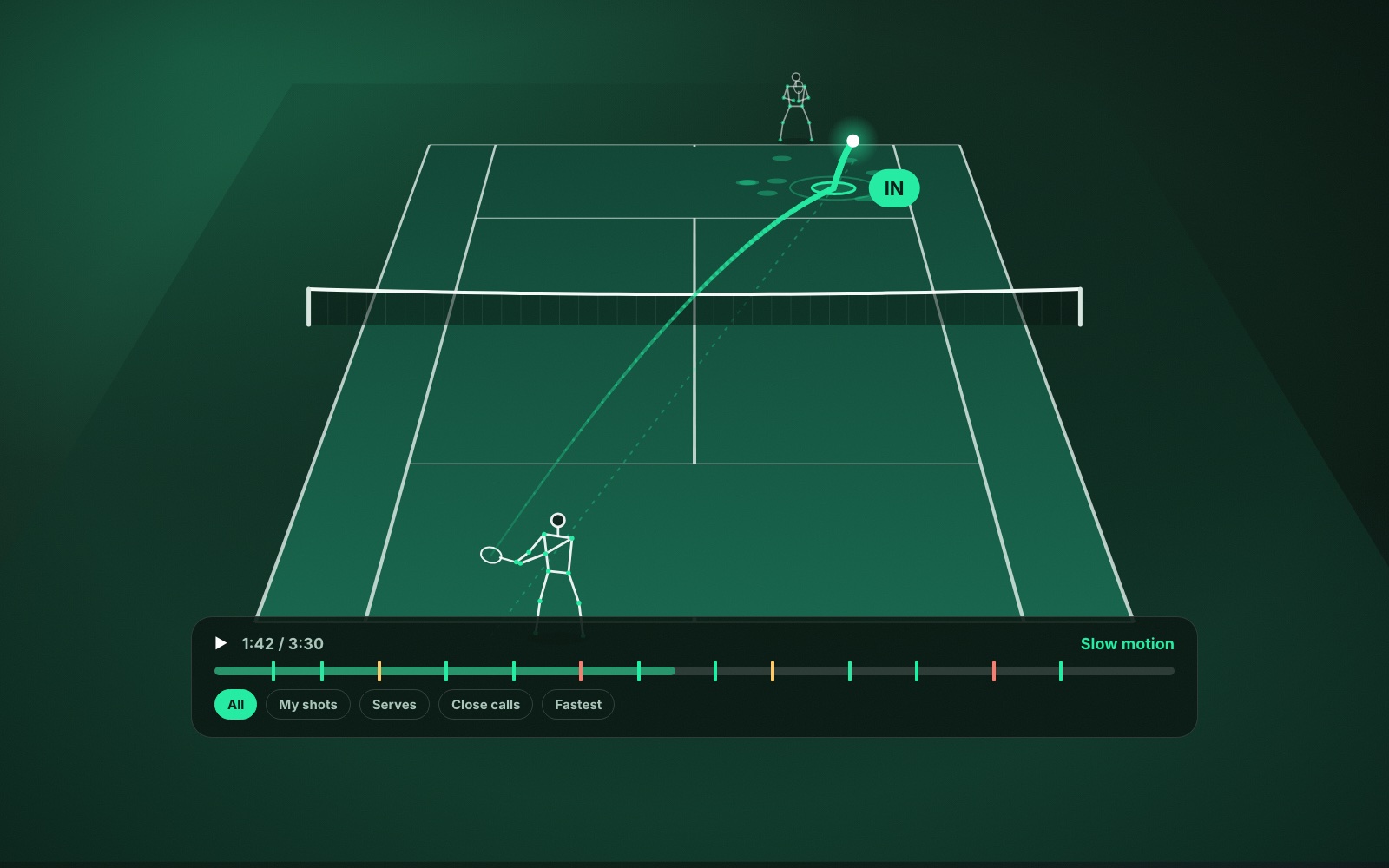
Playback in ContactFrame then lets you check the numbers against the video. You can jump to your serves, your fastest shots or the close calls, with the ball track and bounce marks drawn on screen, and slow any of them down.
If a speed or spin reading is not solid, ContactFrame leaves it blank or marks it approximate. A missing number is more useful than a wrong one when you are deciding what to practise.
The numbers do not replace the method above. They make the first three passes take minutes, which leaves your attention for the part only a person can do: deciding what to change. If you are not sure which figures deserve that attention, start with the tennis stats that matter for club players.
Turn what you saw into one change
Write down three things you noticed. Then cross out two.
The one that stays should be the pattern that cost the most points and that you can practise. “Backhands landing short when I am on the move” is a good one. “Play better on big points” is not something you can take to a practice court.
Give it two or three weeks of deliberate practice, then film another match and ask the same question. If you record with ContactFrame, trends show the same measures session after session, which makes the comparison quick. If the count has moved, the change is working. If it has not, the practice needs adjusting, or the cause is somewhere else.
Write down three things you noticed. Then cross out two.
What match video cannot tell you
Video shows what happened. It is weaker on why you chose a shot, how nervous you were at 4-5, or what your opponent was doing to make you uncomfortable. Add your own notes on those straight after the match, while you still remember.
It also cannot always tell you how to fix a technical fault. If the same stroke keeps breaking down and you cannot see why, take the clips to a coach. Ten minutes with a coach who has seen your real match footage is worth far more than a lesson that starts from a description.
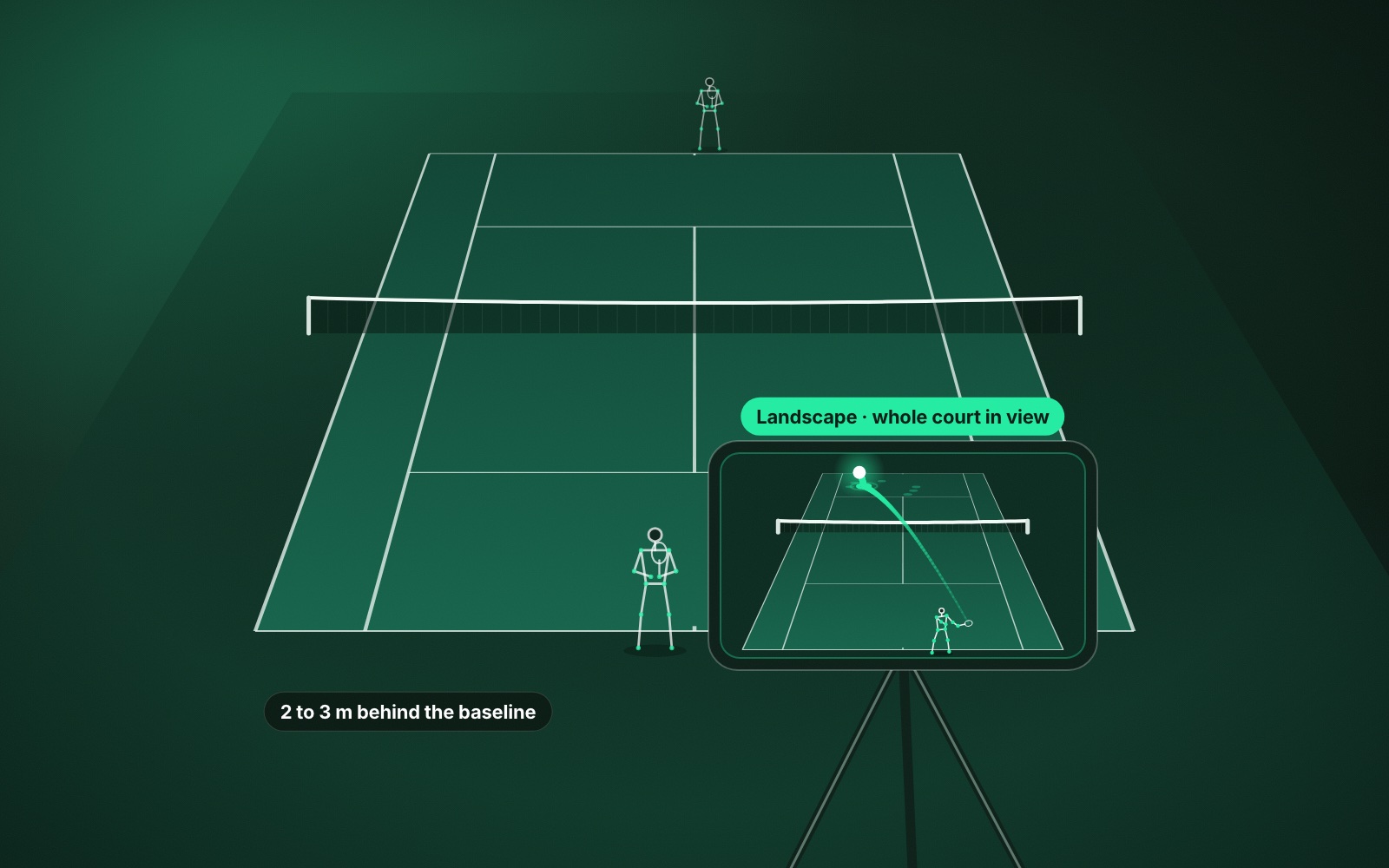
If you have not filmed a match yet, start with how to record a tennis match on your phone. The camera position decides how much you can learn from everything that follows.
Common questions
What should I look for when watching my tennis match back?
Start with how points ended: which shot the error came from, where it went and what happened just before. Then look at serve and return, your position between shots, and only after that your technique.
How do I analyse tennis video without a coach?
Pick one question, watch with the sound off, and count rather than judge. Tallies of where errors happened and which shots caused them will tell you more than a general impression of how you played.
How long does it take to analyse a tennis match?
Watching every point of a full match by hand takes at least as long as the match. With a clear question, or an app that lets you jump to serves, errors and close calls, half an hour is enough to find one useful thing.
Should I watch the matches I won or the ones I lost?
Both. Losses show what breaks under pressure, and wins show what you rely on. A close match against someone at your level usually teaches the most.
Can an app analyse my tennis match for me?
An app can do the counting: speeds, spin, where shots landed, errors and points won. Deciding what to change is still your job, or your coach’s, and it is much easier with those numbers in front of you.
Let the app do the counting.
ContactFrame tags every shot, rally and point, so you can spend your time on what to change.
Explore the Lab