The short version
- In/Out is a one-off purchase from $299 with no recurring fee, which is a real strength.
- Baseline Vision costs $1,999 for the camera, with an optional Pro plan at $12 a month billed annually.
- A phone app can call in, out or close and measure speed, spin, placement, movement and mechanics, with no device to buy.
- ContactFrame’s calls are for coaching and review, not official line calling.
- If you need something this week, SwingVision works on iPhone and iPad; ContactFrame is launching on iOS and Android.
A portable line judge solves one problem very well: the argument about whether the ball was in. If that is all you need, In/Out is a sensible buy. But most players who look for In/Out tennis alternatives want something more, such as why their second serve keeps landing long or how fast their forehand really is. This guide compares the options on both counts.
We make ContactFrame, so weigh our pick accordingly. Everything we say about the other products comes from their own websites and app store pages, checked in November 2026. Prices change, and several here are in US dollars, so check before you buy.
What In/Out does well
In/Out is a small device that mounts on the net post and calls lines with light and sound. It also records or streams full-court video to your phone, and gives shot-placement maps, serve and shot speeds, and an AI-coach report on your opponent. You can export the raw data as CSV or JSON. The companion app is on iOS and Android.
The pricing is its best feature. On its US site (checked November 2026) it is a one-off purchase with no recurring fee:
- Casual: one Net Device, $299.
- Serious Amateur: one Net Device and two Line Devices, $499.
- Pro: two Net Devices and six Line Devices, $999.
All include the cloud and the AI coach. In/Out says its average accuracy was 9 mm in a test by the ITF on LTA courts; that is the company’s claim. Its site mentions free domestic shipping but does not state UK shipping or prices, so we could not confirm UK availability.
How we judged
For each alternative we looked at what you need to buy, what it measures beyond the call, the price (in GBP where published, otherwise in the currency shown), which phones it runs on, and whether it is actively supported.
In/Out alternatives at a glance
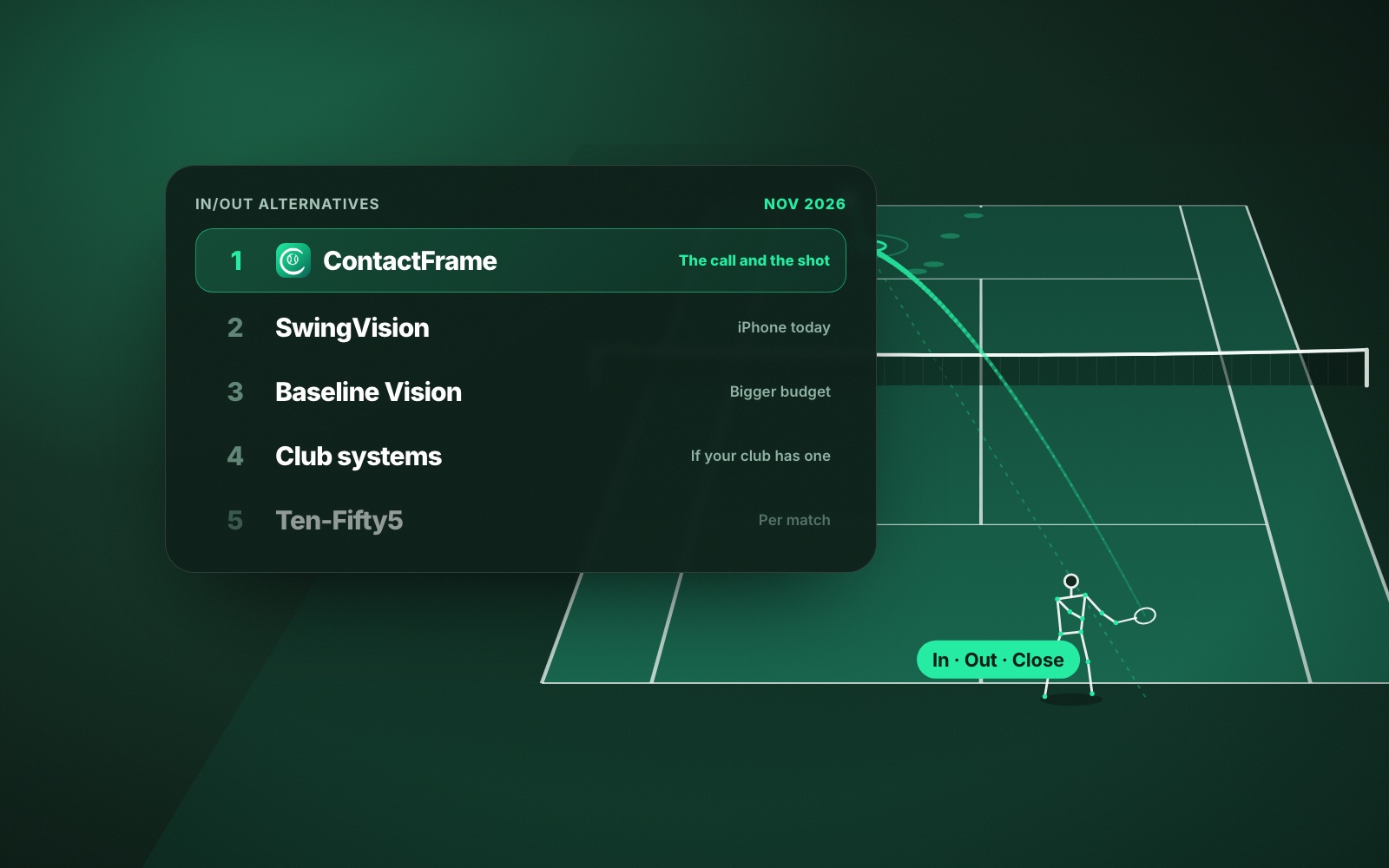
- ContactFrame: best for most players who want the call and the shot behind it
- SwingVision: best phone app for iPhone owners right now
- Baseline Vision: best dedicated device for real-time calls on a bigger budget
- Club line-calling systems: best if your club or event already has one
- Ten-Fifty5: best for an occasional singles match breakdown, paid per match
1. ContactFrame: best for the call and the shot behind it
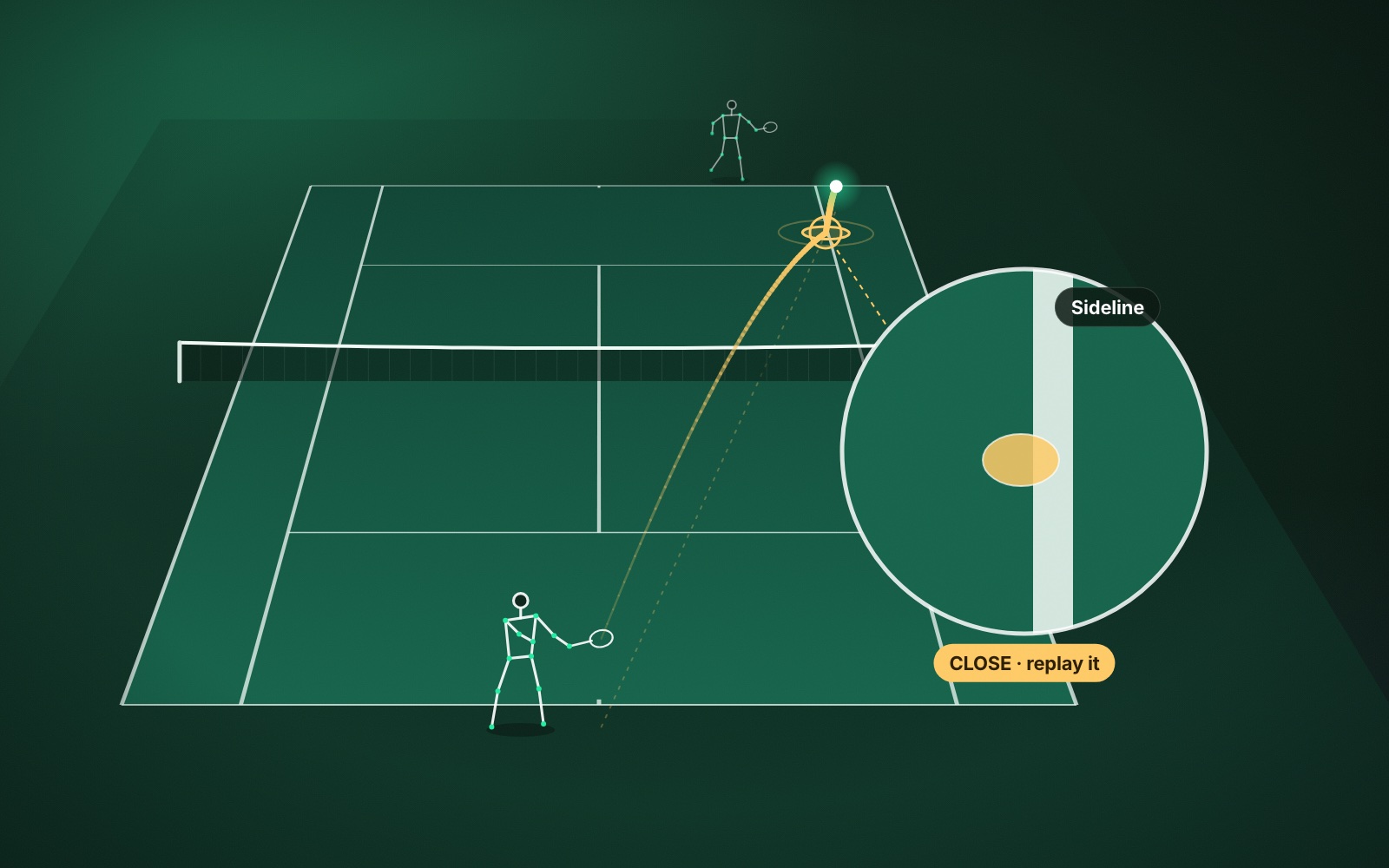
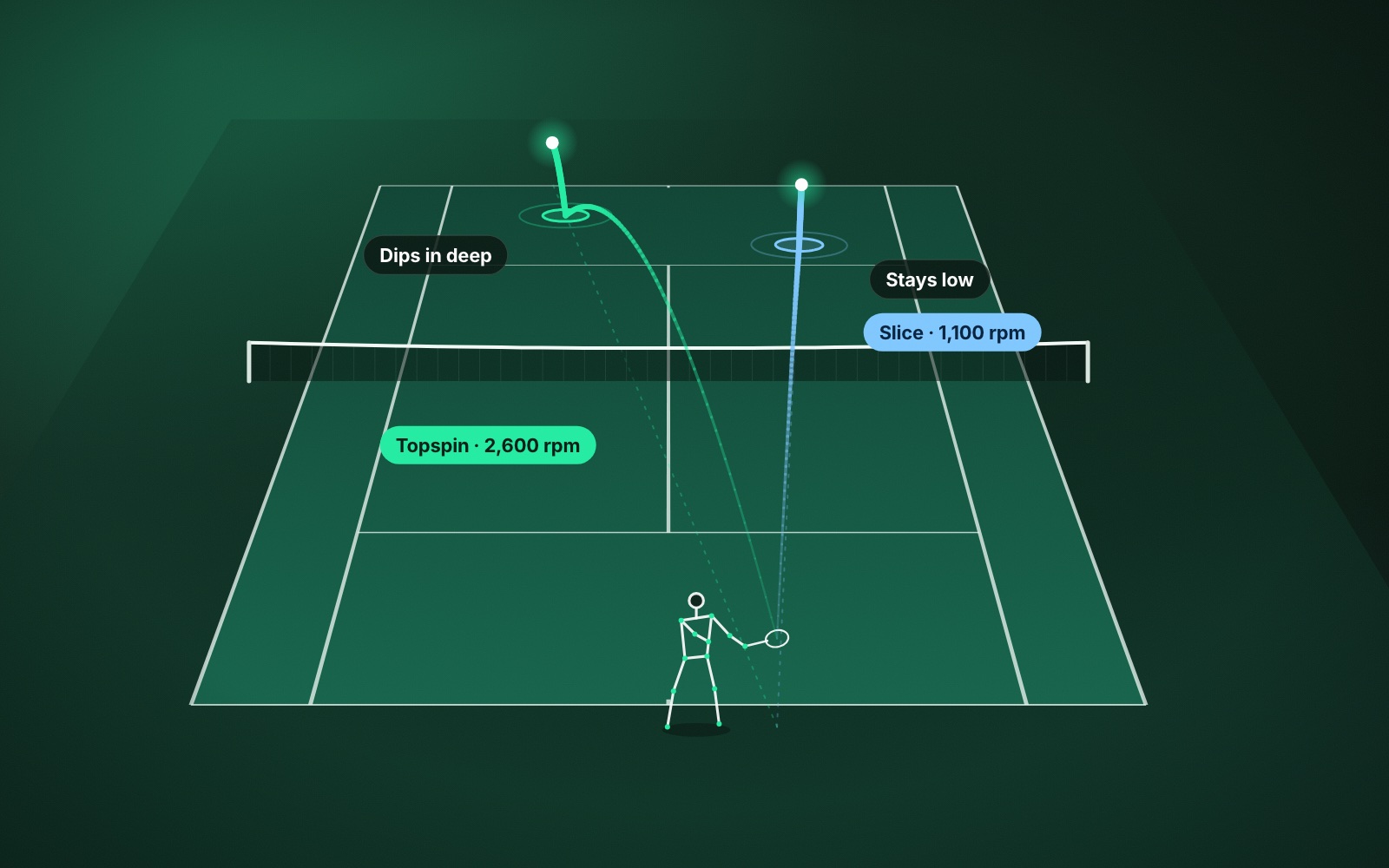
ContactFrame needs no device. One phone on a tripod behind the baseline films the session, and The Lab gives every shot an in / out / close call, ball speed, spin in rpm (topspin or slice), the bounce position and a shot quality score out of 100. Close calls get their own replay, so you can watch them back.
That is the difference from a line judge. Set side by side, the gap is easy to see:
- In/Out’s listed features: line calls with light and sound, full-court video, shot-placement maps, serve and shot speeds, an opponent report and data export.
- ContactFrame’s Session insights: in / out / close calls with close-call replay, speed, spin, placement map, speed and spin by shot type, shots landed in by type, serve placement (wide, body, T) on the deuce and ad sides, winners and errors, longest rallies, a draft match score, shot quality, movement (distance, position, recovery, readiness) and, on Pro, shot mechanics with a stick-figure replay and one Next fix.
Be clear about one thing: ContactFrame’s calls are for coaching and reviewing your session, not official line calling, and they are not a light that flashes as the ball lands. If you want a device to settle points as they happen, a net-post judge is built for that. More on how the calls work in AI tennis line calling explained.
- Needs: a phone and a tripod.
- Platforms: iOS and Android at launch. ContactFrame is not out yet; join the list.
- Price (checked Nov 2026): Free £0 (15 minutes a month, with placement, speed, spin and in/out); Basic £9.99 a month (unlimited recording); Pro £17.99 a month (adds sharper filming and shot mechanics).
- Good at: ball and body data together; it leaves out a number it is unsure of rather than guessing.
- Watch out for: a subscription for unlimited recording, where In/Out is a one-off cost; not official line calling; small free tier.
2. SwingVision: best phone app you can use today
SwingVision films from one iPhone or iPad behind the baseline and gives shot stats, scoring, highlights and line calls. Its free tier includes some line calling, with real-time audio calls and challenges through Apple Watch, according to its App Store notes; full-court line calls need Pro. SwingVision says that with an ideal setup its line calling is 97% accurate for close calls landing within 10 cm of a line. That is its claim.
Its plan page lists shot stats and heatmaps for speed, depth and consistency, scoring, line calls and strategy insights; it does not list spin readings, movement, shot quality scores or swing mechanics.
- Needs: an iPhone 11 or newer on iOS 18+, or an iPad, plus a mount.
- Platforms: Apple only. No Android app, and no release date given.
- Price (UK App Store, checked Nov 2026): Free (8 hours a month); Pro £24.99 a month or £179.99 a year (30 hours a month). The annual plan is cheaper per month.
- Good at: a generous free tier, Apple Watch control, live streaming.
- Watch out for: no Android; recording hours capped on every tier.
3. Baseline Vision: best dedicated device on a bigger budget
Baseline Vision makes a camera that clips to the net post, sets up in under 20 seconds and needs no power or Wi-Fi. It calls lines in real time with sound and lights, tracks placement, speed, accuracy and net clearance, and gives replay, drills and match summaries. The company recommends two cameras, one on each post, for professional-level accuracy. More on the Baseline Vision website.
- Needs: the Baseline camera.
- Platforms: iOS and Android.
- Price (US site, checked Nov 2026): camera $1,999 with free worldwide shipping (import duties may apply); the app is free; optional Baseline Pro $12 a month billed annually, with some Pro features marked “coming”.
- Good at: fast setup, real-time calls, a two-year warranty.
- Watch out for: the price; a second camera for best accuracy; UK presence not confirmed.
4. Club line-calling systems: best if your club already has one
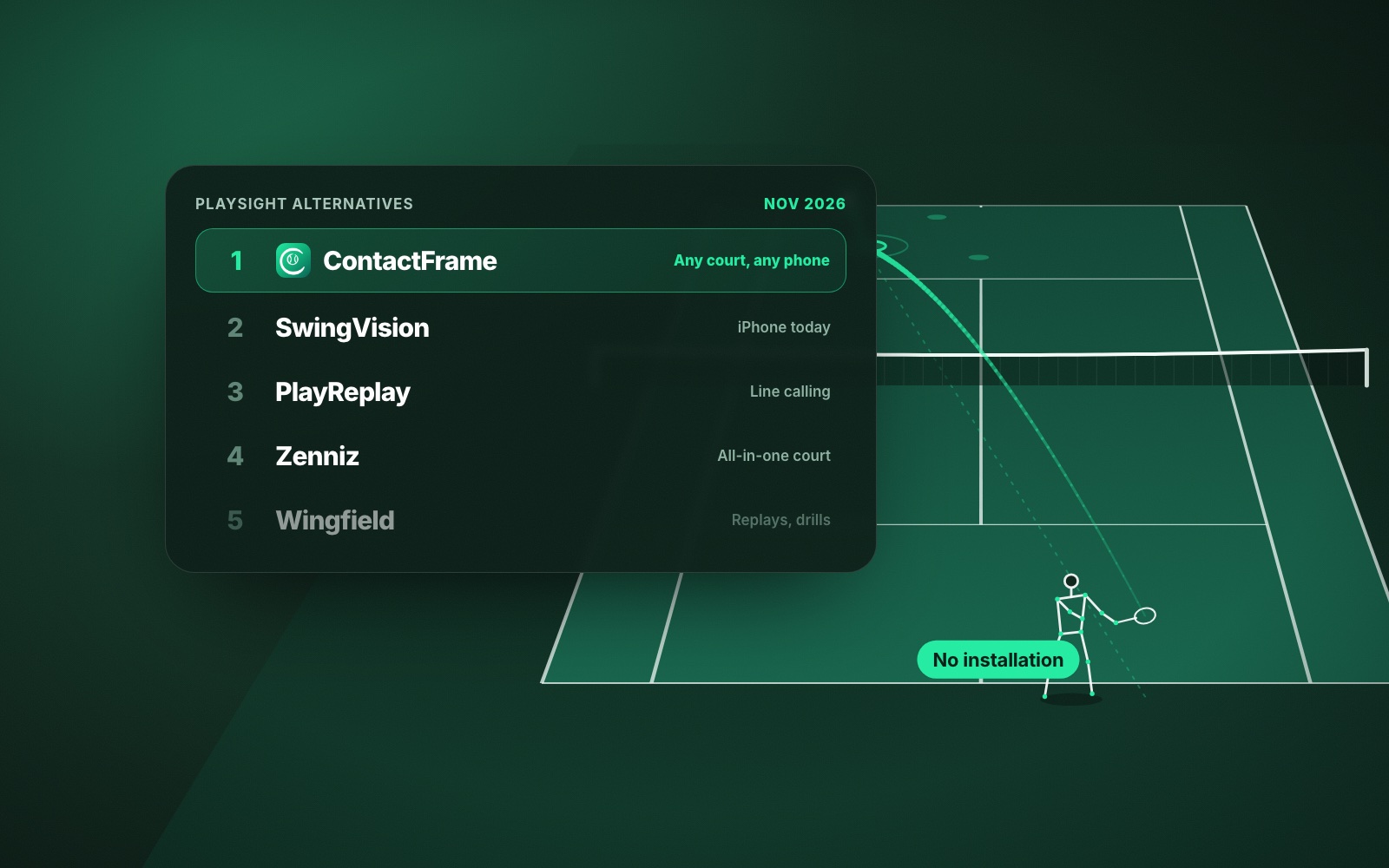
Some venues install electronic line calling. PlayReplay is the one the LTA introduced at the Lexus Junior National Championships, in an article dated 14 August 2026. Zenniz builds a smart court with line calling, serve speed and drills, and SwingVision sells Swing Court to clubs. We found no published price for any of them. They are hands-free, which no portable option is, but you cannot buy one for yourself. We cover them in PlaySight alternatives.
5. Ten-Fifty5: best for an occasional match breakdown
Ten-Fifty5 runs in a web browser. You upload a singles match filmed from behind the baseline and get a point-by-point breakdown of serve, return and rally play, shot placement and rally length. It does not claim to call lines.
- Needs: a phone or camera on a mount.
- Platforms: web, so it works from Android.
- Price (official site, USD, checked Nov 2026): first match free, then $25 a match, bundles from $15 a match, or $40 a month for up to 10 matches.
- Good at: pay-as-you-go match analysis.
- Watch out for: singles only; no line calling claimed.
How to choose a line-calling alternative
- You only want calls, and hate subscriptions: In/Out’s one-off price is hard to argue with.
- You want real-time calls and the budget is there: Baseline Vision.
- You want to improve, not just settle points: a phone app that measures the shot. Our guide to spin shows why rpm matters for depth and margin.
- You need it this week on an iPhone: SwingVision.
Verdict
In/Out and Baseline Vision are good at what they are built for: calling lines on the spot. For most club players, though, the call is the start of the question. ContactFrame is our pick because it gives you the call, the speed, the spin, where the ball landed, how you moved and, on Pro, what your swing did, from one phone and with no device to buy. It is launching on iOS and Android; join the list. If you want the broader picture, see the best AI tennis tools, and for technique video, OnForm alternatives or Coach’s Eye alternatives.
Common questions
Does In/Out need a subscription?
No. In/Out’s own site says there is no recurring fee: you pay once for the hardware, from $299 for one Net Device, and the cloud and AI coach are included. Prices were checked on its US-dollar site in November 2026.
Is In/Out sold in the UK?
We could not confirm it. In/Out’s site mentions free domestic shipping but does not state UK shipping or UK prices, so check with the company before you order.
What is the difference between In/Out and Baseline Vision?
Both clip to the net post and call lines in real time. In/Out is a one-off purchase from $299; Baseline Vision’s camera costs $1,999, its app is free and an optional Pro plan costs $12 a month billed annually.
Can a phone app call lines in tennis?
Yes. Apps that film from behind the baseline, such as ContactFrame and SwingVision, can call balls in or out. ContactFrame’s calls are for coaching and review rather than official line calling.
Which In/Out alternative measures spin?
ContactFrame measures spin in rpm, topspin or slice, on every shot where the reading is solid, alongside speed, placement and in or out. Spin is not among the features the other products here list on their official pages.
The call, and the reason behind it.
ContactFrame is launching on iOS and Android. Join the list to be first in.
See plans