The short version
- Coach’s Eye has been retired and is no longer a working service. Hudl Technique was bought by OnForm in May 2021 and then shut down.
- OnForm is the closest like-for-like replacement for slow motion, drawing and side-by-side video.
- AI apps such as ContactFrame do the measuring for you: speed, spin, placement, movement and, on Pro, mechanics with a stick-figure replay.
- Kinovea is free but runs only on Windows; Dartfish suits academies and federations.
- ContactFrame is launching on iOS and Android. Until then, OnForm or SwingVision are the ones to use.
If you used Coach’s Eye or Hudl Technique to slow down a serve and draw a line along your racket path, you have probably found that the app no longer works. Both have closed. This guide to Coach’s Eye alternatives for tennis covers what happened and which apps are worth moving to, from like-for-like manual tools to apps that do the analysis for you.
We make ContactFrame, so weigh our pick accordingly. Everything we say about the other apps comes from their own websites and app store pages, checked in November 2026. Prices and features change, so check before you subscribe.
What happened to Coach’s Eye and Hudl Technique
Coach’s Eye, made by TechSmith, has been retired. Its website now redirects to a page that says it is no longer a working service. That page does not give a date, and the dates quoted elsewhere online do not agree, so we are not giving one.
Hudl Technique, which began life as Ubersense, was bought by OnForm. OnForm announced the deal on 17 May 2021 and said the app would be discontinued later that summer. OnForm’s page says support for moving across ended in October 2021.
The good news is that there are more choices now than there were then.
How we judged the alternatives
- Manual or automatic: do you draw on the video, or does the app measure for you?
- What you need: a phone, a tablet or a computer.
- Price: in GBP where published, otherwise in the currency shown.
- Platforms and support: iOS, Android, desktop, and whether it is still maintained.
Coach’s Eye alternatives at a glance
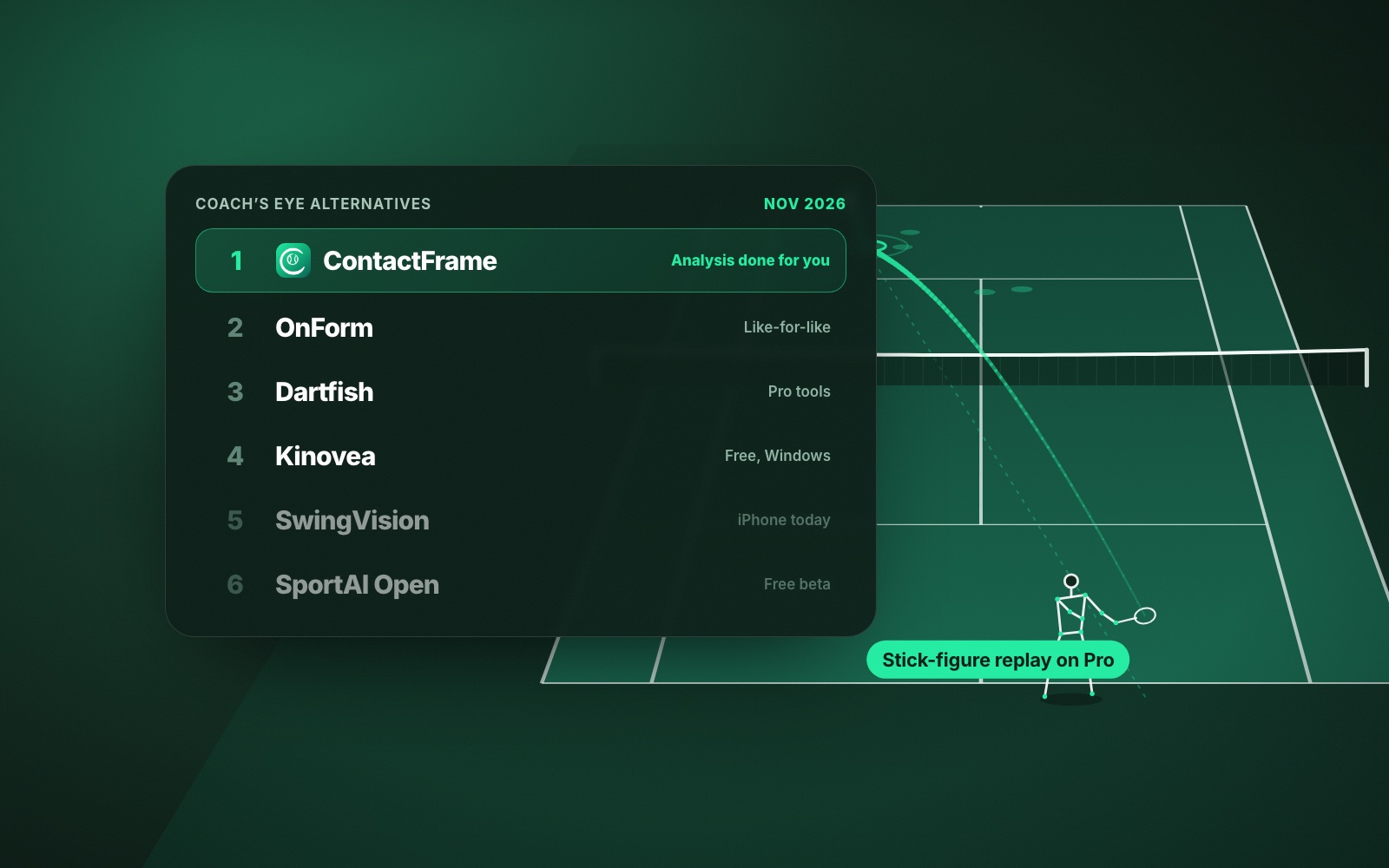
- ContactFrame: best for tennis players who want the analysis done for them
- OnForm: best like-for-like replacement for coach and athlete video
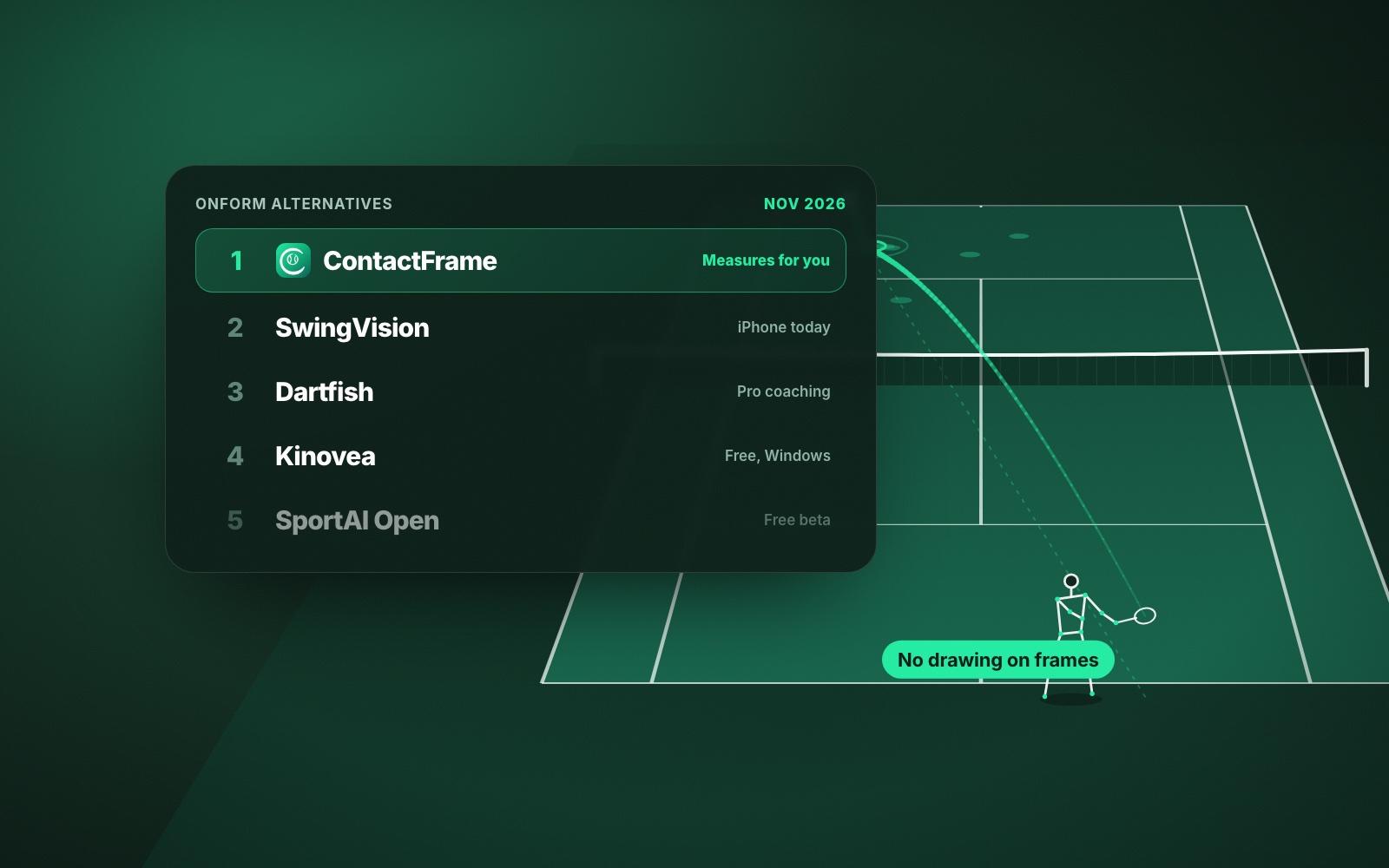
- Dartfish: best for academies and federations that want professional tools
- Kinovea: best free option, on a Windows PC
- SwingVision: best automatic tennis app on iPhone today
- SportAI Open: best free AI technique check, while in beta
- PerfectSwing: best for cutting a match into rally clips to review
1. ContactFrame: best for tennis players who want analysis done for them
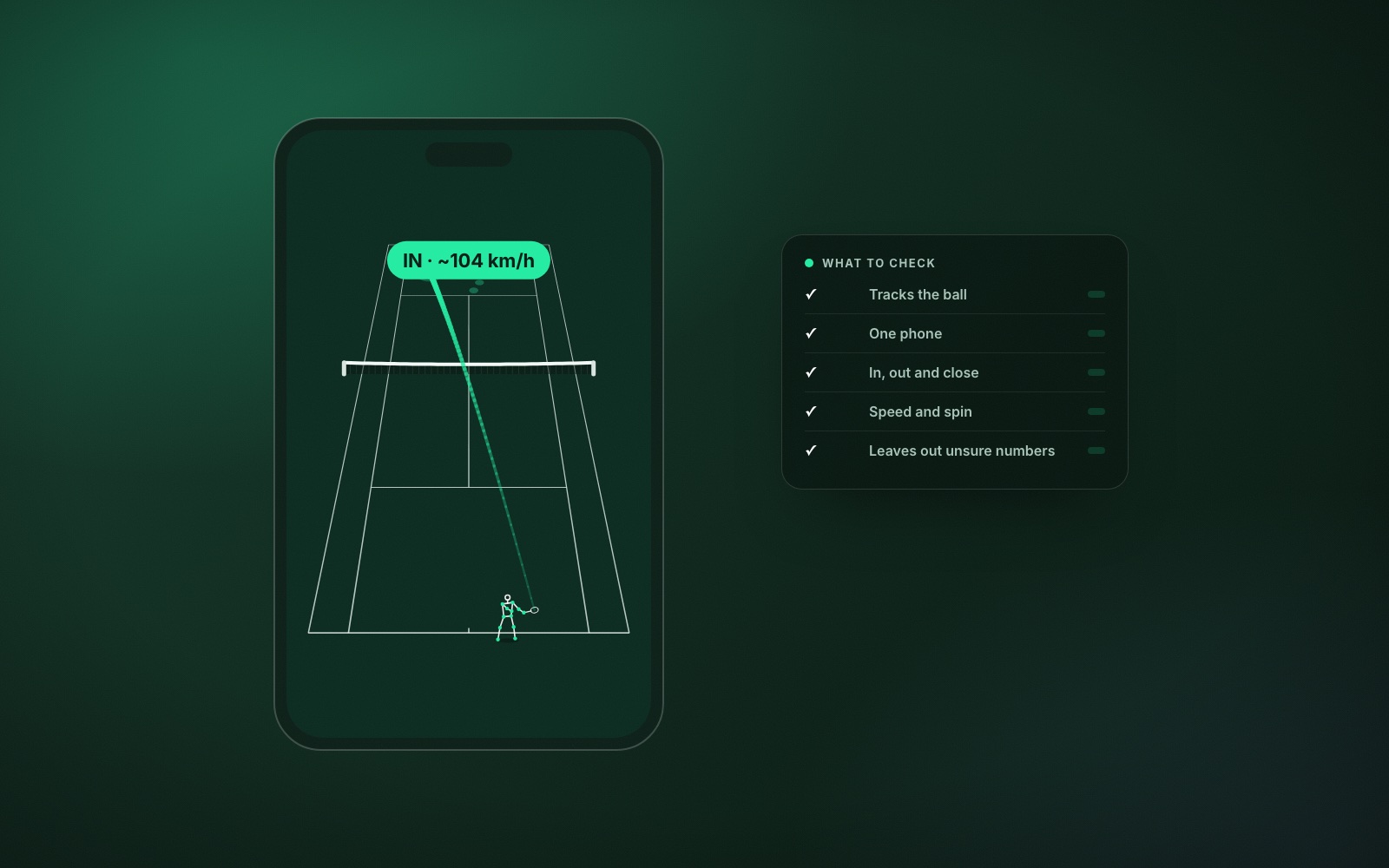
Coach’s Eye made you the analyst: you paused, drew and compared. ContactFrame measures for you. Film a session with one phone behind the baseline and The Lab gives you ball speed, spin, where each ball landed, in / out / close and a shot quality score for every shot, plus movement and Session insights for the whole session.
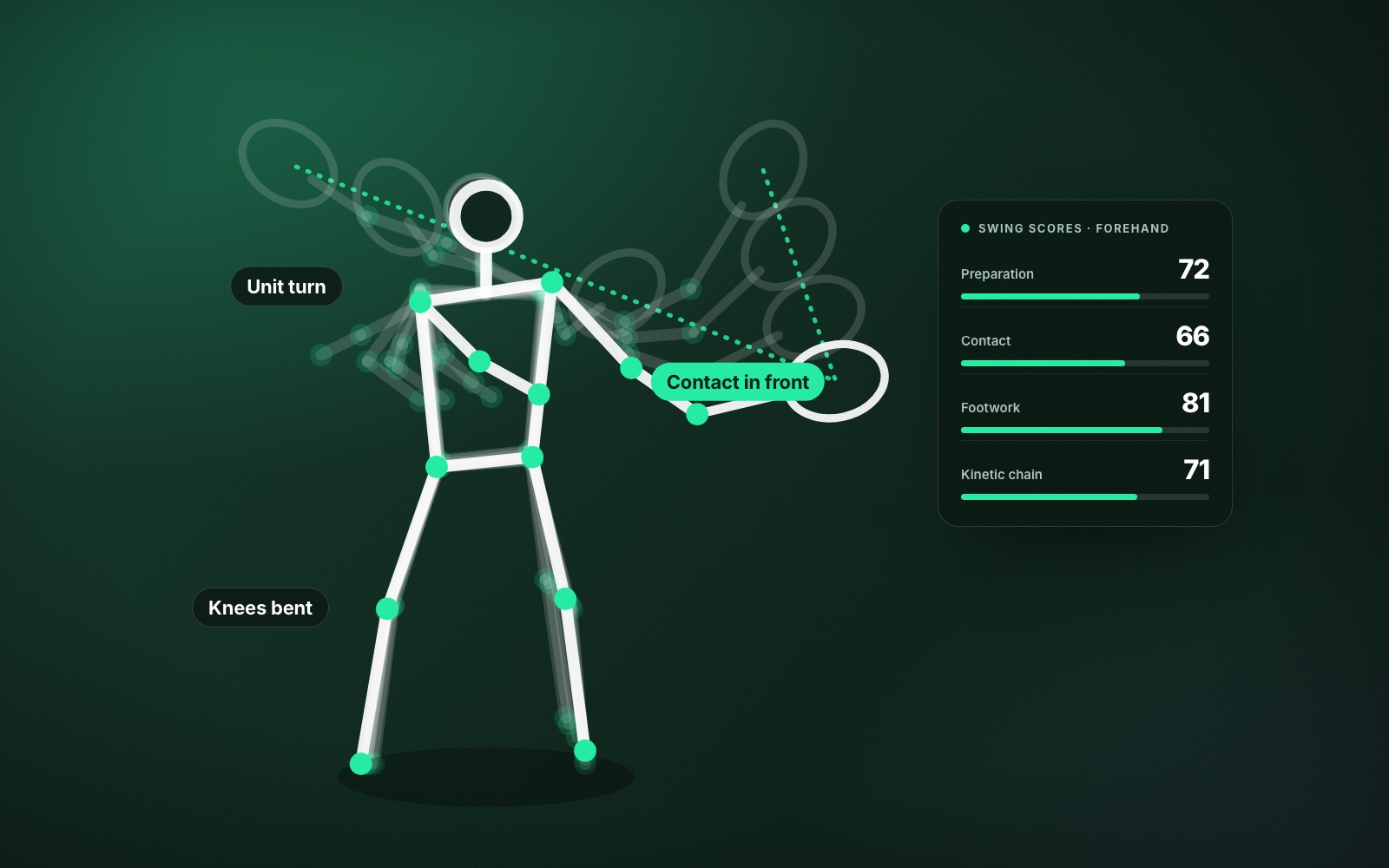
The part closest to the old apps is shot mechanics, on the Pro plan. It tracks body points through your swing, scores things like preparation, contact, footwork and kinetic chain, and shows a stick-figure replay of each contact. Then it gives you one Next fix and a drill for it. Playback has slow motion, and you can jump straight to your serves or fastest shots. If you are not sure what to look for, start with tennis swing analysis: what to look for.
- Needs: a phone and a tripod.
- Platforms: iOS and Android at launch. ContactFrame is not out yet; join the list.
- Price (checked Nov 2026): Free £0 (15 minutes a month); Basic £9.99 a month (unlimited recording); Pro £17.99 a month (adds shot mechanics).
- Good at: ball and body measured automatically, and tracked session after session.
- Watch out for: not a drawing tool; mechanics are Pro only and cover the player nearest the camera; built for tennis only.
2. OnForm: best like-for-like replacement
OnForm is the natural home for former Hudl Technique users, since it bought that app. It is a coach and athlete video app with slow motion, drawing, side-by-side comparison, voice-over, sharing with athletes and 2D skeleton tracking. It is not tennis-specific: its feature list does not include automatic shot detection, ball tracking or line calls. Pricing is on the OnForm website.
- Needs: a phone or tablet.
- Platforms: iOS (full features), Android (limited features) and web.
- Price (official site, USD, checked Nov 2026): athletes from $9.99 a month ($0 when connected to a coach); coaches from $19.99 a month. 14-day free trial.
- Good at: the familiar draw, compare and send workflow.
- Watch out for: you do the analysis yourself; Android is limited; UK pricing not confirmed.
3. Dartfish: best for academies and federations
Dartfish is professional video analysis used by federations and coaches: tagging, annotation, multi-video comparison, StroMotion, Simulcam, 3D drawings and live feeds. It is powerful and manual.
- Needs: a phone, tablet or PC.
- Platforms: Windows, iOS, Android and cloud.
- Price (official site, EUR per month billed annually, checked Nov 2026): myDartfish Mobile from 7€; 360 at 20€; Live at 60€; Pro at 120€. 15-day trial on desktop plans.
- Good at: deep, flexible analysis for people who do it for a living.
- Watch out for: more than most club players need.
4. Kinovea: best free option on Windows
Kinovea is free, open-source desktop software with slow motion, synchronised side-by-side comparison, angle, distance and time measurement, semi-automatic point tracking and spreadsheet export.
- Needs: a Windows PC.
- Platforms: Windows 7 to 11 only. It does not work on Apple Silicon Macs, even through virtualisation, and has no mobile app.
- Price: free.
- Good at: precise frame-by-frame measurement at no cost.
- Watch out for: you need to move video to a PC and do the work yourself.
5. SwingVision: best automatic tennis app on iPhone today
SwingVision films from an iPhone or iPad behind the baseline and gives shot stats, scoring, highlights and line calls. Its plan page lists shot stats and heatmaps for speed, depth and consistency, scoring, line calls and strategy insights; it does not list swing mechanics, spin readings or movement. It has a generous free tier, Apple Watch control and live streaming.
- Platforms: iPhone, iPad, Mac and Apple Watch. No Android app.
- Price (UK App Store, checked Nov 2026): Free (8 hours a month); Pro £24.99 a month or £179.99 a year.
- Watch out for: Apple only; recording hours capped on every tier.
6. SportAI Open: best free AI technique check
SportAI Open is a web app for AI technique analysis of stroke mechanics, footwork and body position, with training plans. You upload video from a phone, camera or computer. It covers tennis, padel and pickleball.
- Platforms: web.
- Price: free with unlimited analyses during the beta; paid tiers are planned, prices not yet published.
- Watch out for: the beta has no tactical or match stats.
7. PerfectSwing: best for rally clips
PerfectSwing automatically cuts a recorded match into rally clips and builds highlight reels, with slow motion and frame-by-frame review. Swing-form tools are in beta. It works for singles or doubles.
- Platforms: iOS and Android, including budget Android phones.
- Price (official site, checked Nov 2026): one-month free trial, then $9.99 a month or $59.99 a year.
- Watch out for: no permanent free tier listed.
How to choose a coaching video app for tennis
Ask who is doing the analysis. If you are a coach who wants to pause, draw and talk a player through a frame, a manual tool such as OnForm or Dartfish is still the right choice, and Kinovea is hard to beat for free on Windows. We compare those manual tools in more depth in OnForm alternatives for tennis.
If you are a player filming yourself, you probably do not want to spend an evening drawing lines. An app that measures for you, and tracks the same numbers next month, saves that time. See how to analyse your own match video for what to look at first.
A drawing tool shows you a frame. A measuring tool tells you whether the change stuck.
Verdict
Coach’s Eye and Hudl Technique left a gap, and OnForm fills it most directly. For tennis players, though, ContactFrame is our pick: it measures the ball and your movement automatically, and on Pro shows your mechanics with a stick-figure replay and one Next fix. It is launching on iOS and Android, so join the list. Until then, use OnForm for manual review or SwingVision if you want automatic tennis stats on an iPhone. For the wider field, see the best tennis video analysis apps; if you are after line calls or club cameras, see In/Out alternatives and PlaySight alternatives.
Common questions
Is Coach’s Eye still available?
No. The Coach’s Eye website now redirects to a retirement page that says the app has been retired and is no longer a working service. The page does not give a retirement date.
What happened to Hudl Technique?
OnForm announced on 17 May 2021 that it had acquired Hudl Technique, formerly Ubersense, and its users. OnForm said the app would be discontinued later that summer, and says support for moving across ended in October 2021.
What is the best free alternative to Coach’s Eye?
Kinovea is free and open source, with slow motion, side-by-side comparison and angle measurement, but it runs only on Windows. SportAI Open is free during its beta for AI technique analysis, and ContactFrame will have a free plan with 15 minutes of recording a month.
Can an app analyse my tennis swing automatically?
Yes. Some apps now track body points through the swing without you drawing anything. ContactFrame’s Pro plan does this with swing scores, a stick-figure replay of each contact and one Next fix to work on.
Does OnForm work on Android?
Yes, but OnForm says its Android app has limited features. The full feature set is on iOS, and there is also a web app.
Analysis that does the drawing for you.
ContactFrame is launching on iOS and Android. Join the list to be first in.
See The Lab